

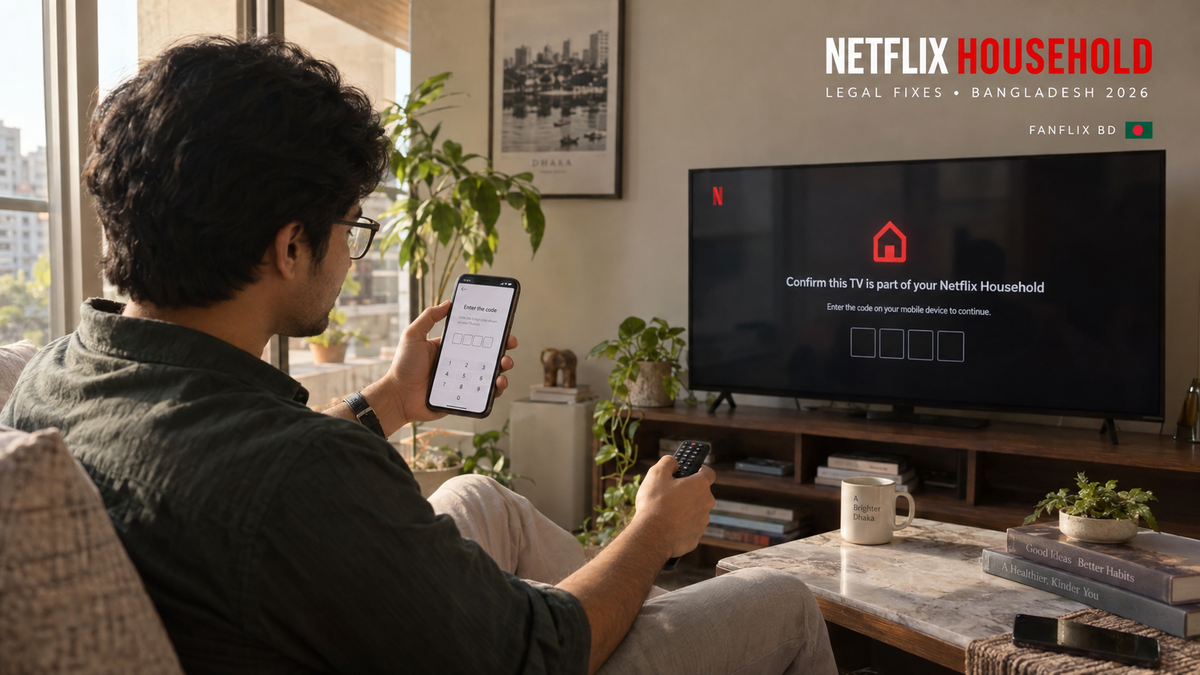
Netflix Household Verification in Bangladesh: How It Works and Legal Fixes
You settle in to watch a movie, open Netflix, and suddenly see:
“Your TV isn’t part of the Netflix Household for this account.”
It can feel like Netflix has randomly blocked your device. Usually, the message means Netflix cannot connect that television, phone, or computer to the account’s main viewing location.
The legitimate fixes are straightforward: connect through the household’s home internet, update the Netflix Household, request temporary access while travelling, or use an eligible extra-member or separate account.
Here’s how Netflix Household verification in Bangladesh works and what you can do without breaking Netflix’s account-sharing rules.
What Is a Netflix Household?
A Netflix Household is the group of devices connected to the internet at the main location where the account owner watches Netflix.
Netflix uses information such as internet connections, device identifiers and account activity to associate devices with that location. It does not rely on creating a household separately for every phone or laptop.
Netflix states that an account should not be shared with people who live outside the account owner’s household. Someone living elsewhere generally needs a separate account or an eligible extra-member account. Read Netflix’s household-sharing policy.
Why Does Netflix Ask for Household Verification?
You may receive a household message when:
-
You sign in on a new television or streaming device.
-
Your home internet connection or router has changed.
-
You regularly use Netflix from another location.
-
The account’s main household was updated from a different TV.
-
Netflix cannot associate your device with the established household.
-
Someone outside the household is using the account.
-
You are travelling and using a hotel or another person’s television.
The message does not always mean something is wrong with your subscription. It means Netflix needs to confirm that the device belongs to the household or has valid temporary access.
How to Fix “Your TV Isn’t Part of the Netflix Household”
Option 1: Connect to the household’s home Wi-Fi
If you are at home, connect the device to the same internet connection normally used by the main household TV.
For a phone or computer:
-
Connect it to the household Wi-Fi.
-
Restart the Netflix app or refresh Netflix in your browser.
-
Sign in again if requested.
If the problem continues, the account owner may need to update the household from the main television.
Option 2: Update the Netflix Household
Only update the household when the current television is at the account owner’s main viewing location.
On a supported TV or streaming device:
-
Open Netflix.
-
Go to Get Help or Settings.
-
Select Manage Netflix Household or Update Netflix Household.
-
Choose to send a verification link by email or text.
-
Open the link received by the account owner.
-
Confirm the household.
-
Return to the television and try Netflix again.
Menu names can vary between devices. If you do not see the option, follow the instructions displayed on the television.
Do not update the household from a hotel, temporary residence or another person’s home. That could replace the account’s correct main location and interrupt access on the devices at home.
How to Watch Netflix Legally While Travelling
Netflix allows account owners and household members to watch while away from home.
If a TV displays the household error during a trip:
-
Select I’m Traveling.
-
Choose Send Email or Send Text.
-
Ask the account owner to open the verification message.
-
Retrieve the four-digit temporary access code.
-
Enter it on the television within 15 minutes.
On a phone or computer, the option may be called Watch Temporarily.
Netflix limits temporary-code requests. The travel option is intended for genuine short-term use, not permanent account sharing from another home.
Netflix also recommends opening the app on the household Wi-Fi at least once a month to reduce interruptions when travelling. See Netflix’s official household-error instructions.
Can You Bypass Netflix Household Restrictions Legally?
There is no legitimate permanent “bypass” that turns account sharing between unrelated homes into household use.
The supported solutions are:
-
Verify a device at the account owner’s main home.
-
Use temporary access while genuinely travelling.
-
Add an extra member where the plan and country support it.
-
Transfer the viewer’s profile to a separate account.
-
Purchase an individual Netflix subscription.
Websites or videos that recommend repeatedly changing the household, using someone else’s verification email, falsifying a location, or relying on unauthorised tools can create security problems and may violate Netflix’s terms.
A legal fix works with the household system rather than trying to defeat it.
Can You Add an Extra Member in Bangladesh?
Netflix allows Standard or Premium account owners in many countries to purchase an extra-member slot for someone living outside the household.
However, availability depends on the country, plan and billing method. Some third-party packages and provider-billed subscriptions do not support extra members.
Netflix also requires the extra member to activate the membership in the same country where the account owner created the account.
Check the account page for an Extra Members option. If it is missing, the plan, country or billing arrangement may not support the feature.
What Is the Difference Between a Profile and an Extra Member?
A profile is a personalised viewing space inside a Netflix account. It can have its own recommendations, watch history, language settings and maturity controls.
A profile does not give someone living elsewhere permanent permission to use the household account.
An extra member has a separate login, password and profile while the main account owner pays for the slot. Extra-member availability and features depend on the plan and country.
Netflix permits up to five profiles on an account, but the profiles are designed for people living together. See Netflix’s profile guidance.
Why Does the Household Code Expire?
Temporary access codes expire after 15 minutes to protect the account.
If the code no longer works:
-
Return to Netflix on the blocked device.
-
Request a new code.
-
Open the newest email or text.
-
Enter the code immediately.
If the account owner did not receive anything, check the email address or phone number linked to Netflix and look in the spam folder. Avoid requesting many codes rapidly because temporary requests may be limited.
What If You Changed Your Router or Internet Provider?
Changing your router, ISP or home internet connection can make the household’s network look different.
Connect the main television to the new home connection, open Netflix, and update the Netflix Household if prompted. After the household is confirmed, reconnect the other devices to the same network and restart Netflix.
If you use several home internet connections, use the connection associated with the television where Netflix is watched most often.
How to Protect Your Netflix Account
A household warning can also be a useful reminder to review account security.
You should:
-
Check recently active devices.
-
Sign out of devices you do not recognise.
-
Use a unique password.
-
Keep the account email and phone number current.
-
Never send verification codes to strangers.
-
Avoid buying access without clear account and device terms.
If an unfamiliar person can request codes, change settings or access the account email, change the Netflix password and sign out of all devices.
Netflix Household Support Through FanFlix BD
FanFlix BD’s current Netflix listing includes a self-service dashboard for eligible package functions such as accessing login codes and managing listed devices. The mobile, laptop and PC package provides one private, PIN-protected profile and lists support for up to three connected devices, with one device streaming at a time.
The standard package does not include Smart TV access. FanFlix BD directs television users to a separate TV Access Plan.
Before ordering, check:
-
Whether the package supports your device.
-
Whether television access is included.
-
How many devices can be connected.
-
How many screens can play simultaneously.
-
The package validity and renewal process.
-
Which household features are available through the dashboard.
Any dashboard or verification feature should be used according to the supplied package instructions and Netflix’s applicable rules.
View the current Netflix subscription options in Bangladesh.
Final Answer
When Netflix says your device is not part of the household, first determine whether you are at home or travelling.
At home, connect to the household internet and update the Netflix Household from the main TV if necessary. While travelling, use I’m Traveling or Watch Temporarily and enter the temporary code sent to the account owner.
Someone who permanently lives elsewhere should use an eligible extra-member account or a separate subscription. That is the reliable, policy-compliant solution.
Frequently Asked Questions
What does Netflix Household mean?
It means the collection of devices connected to the internet at the main location where the account owner watches Netflix.
How do I verify my Netflix Household?
Open Netflix on the main household television, go to Get Help or Settings, choose the household-management option, and follow the email or text verification instructions.
How long does a Netflix temporary access code last?
Netflix states that its four-digit temporary access code expires after 15 minutes.
Can I use Netflix at a hotel?
Yes. Select I’m Traveling on the hotel television and request a temporary code from the account owner’s email or phone.
Can I share Netflix with a friend in another house?
Netflix says accounts cannot be shared outside the household. Where supported, the account owner may add an extra member; otherwise, the friend needs a separate account.
Does creating another profile avoid household verification?
No. Profiles personalise viewing for household members, but they do not remove household restrictions.
Why is the “I’m Traveling” option missing?
Netflix may hide the option after the temporary-code request limit has been reached or when there is an account issue. Follow the on-screen instructions or contact Netflix support.
Can a VPN permanently fix a Netflix Household error?
A VPN is not an official household-verification solution. Use the household update, temporary travel access, eligible extra-member option or a separate account instead.


